
Platform guides
Deposit memo and tag fields: the small box that can lose the whole transfer
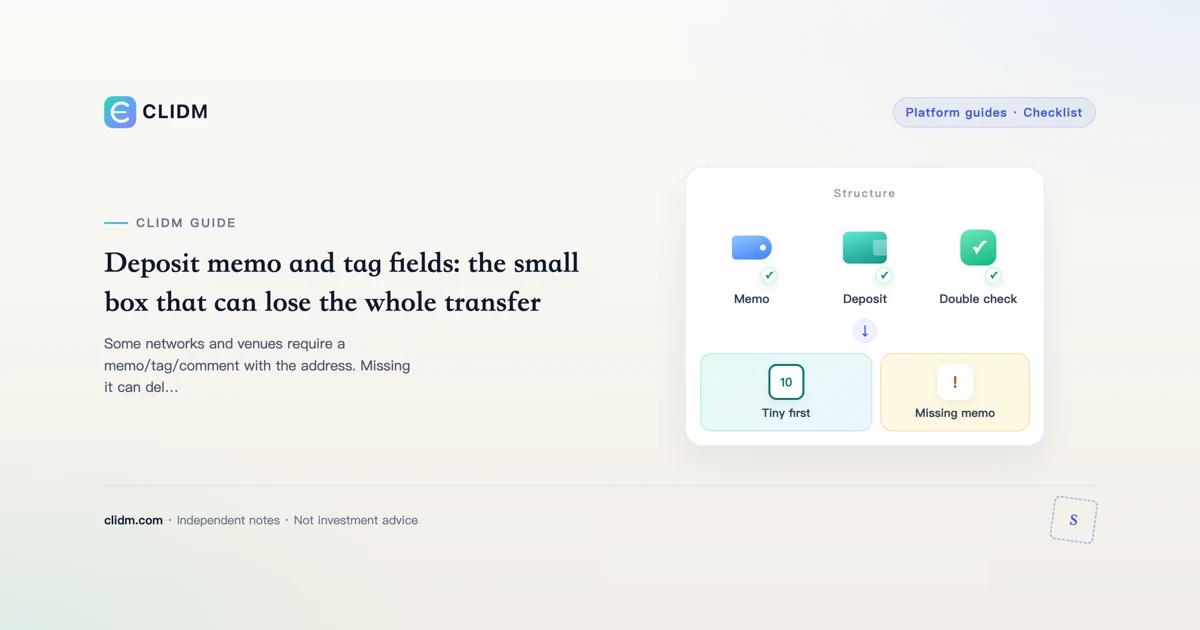
Some networks and venues require a memo/tag/comment with the address. Missing it can delay or lose credits.
Deposit memo and tag fields: the small box that can lose the whole transfer
An address alone is sometimes not enough. Certain assets and custodial deposit systems also require a memo, tag, comment, or payment ID so the venue can credit the right account behind a shared hot wallet.
Why memos exist
Exchanges often reuse one deposit address for many customers on some networks. The memo/tag is the sorting label. Send without it and the coins may arrive on-chain but sit unallocated—or require a manual recovery process with fees and delays—or, in worst cases, become hard to attribute.
When to expect a memo/tag
UI patterns vary, but watch for:
- An extra required field next to the address
- Warnings in red about memo/tag
- Assets historically associated with destination tags (examples change—always trust the live deposit page)
- Deposit instructions that show two copy buttons: address and memo
If the official deposit page shows a memo field, treat it as mandatory unless the page explicitly says optional.
Safe copy workflow
- Open deposit page via bookmark after login.
- Select the correct asset and network.
- Copy address with the official button; verify prefix/suffix.
- Copy memo/tag with the official button; never invent one.
- Paste into the sending wallet’s corresponding fields—do not put memo in the address box or vice versa.
- Send a tiny test first on new routes.
- Save TXID and screenshots of both sides.
- Only then send larger size.
Failure modes
- Memo left blank
- Memo pasted into address field (malformed send)
- Old memo reused after account/subaccount change
- Using a memo from a different platform’s tutorial screenshot
- Sending on a network that does not match the deposit page
If you already sent without a memo
- Stop further sends.
- Collect TXID, amount, asset, network, destination address, and the memo you should have used.
- Contact official support via bookmarked channels only.
- Ignore social “recovery agents.”
- Accept that recovery is not guaranteed and may take time and fees.
Prevention system
Maintain a personal note: asset → network → memo required? → last successful test date. Re-check the live page before every non-routine transfer—UIs and policies change.
Closing standard
The memo box is small; the loss can be total. If a second field exists on the official deposit screen, your checklist is incomplete until it is filled and tested.
Exchange UI patterns to memorize
Many deposit screens show:
- Asset selector
- Network selector (easy to miss on mobile)
- Address with copy button
- Memo/tag with a separate copy button and a required/optional label
- Minimum deposit and arrival estimate
If step 4 is missing on a network that historically needed tags, pause and re-check you selected the correct network and asset. Do not invent a tag from memory.
Household rule that prevents expensive arguments
Write one line on paper near your desk: “No full-size transfer until tiny test arrives.” When someone is rushing you—market FOMO, a friend, a group chat—point at the line. Rituals beat adrenaline.
Decision log template
Write offline before you act: (1) skill I am practicing today, (2) maximum money I can lose without panic, (3) actions I refuse under social pressure, (4) the exact official domain I bookmarked myself. Keep the log boring—boredom is a feature.
CLIDM quality bar
We optimize for checklists, failure modes, and order of operations. We do not publish trade signals or guaranteed outcomes. Product UIs and fee schedules change; re-open official pages before you move size. Last reviewed: 2026-07-27.
Educational content only. Not investment, legal, or tax advice. Digital assets can lose value. Availability differs by region.
Two-copy workflow
Copy address and memo with official buttons separately. Paste into the correct fields on the sending wallet—never swap them. Tiny test first. Log TXID. Full amount only after success. Related: wrong network, test withdrawal habit.
If memo was missing
Stop further sends; collect TXID and screenshots; contact official support via bookmark only; ignore social recovery agents. Recovery is not guaranteed.
Memo/tag as a routing instruction
Some networks and exchange deposit systems require an extra string—memo, tag, destination tag, or comment—so credits land on the correct internal account. Omitting it can park funds in limbo even when the chain tx succeeded.
Operator checklist
- Read the deposit screen’s exact field name and examples.
- Copy memo carefully; do not invent formats.
- Tiny-test with memo before size.
- Save tx id + memo used in your private log.
- If credit is late, open official support with evidence—not chat fixers.
Networks that often surprise newcomers
Some ecosystems historically rely on destination tags/memos for exchange credits; others use unique deposit addresses per user. Never generalize from one chain to another. Read the deposit widget every time.
Clipboard and QR discipline
Scan QR only from the official logged-in deposit page. If someone sends you a “memo QR” in chat, ignore it. Type memos carefully; a single wrong character can misroute.
Support timing expectations
Even correct transfers wait for network confirmations and internal processing. “Instant” marketing is not a promise. Use official status pages and tickets, not paid queue-jumpers.
Operator close-out for deposit memo tag explained
Before you increase size on this topic, freeze three written lines in a private note: (1) the single main risk in plain words, (2) the cash you can lose without changing rent/food plans, (3) the official URL or app path you will use—no chat links. If any line is blank, you are still in research mode.
Scenario table (fill with your numbers)
| Scenario | What you will do | What you will not do |
|---|---|---|
| Calm weekday | Follow checklist | Expand size on impulse |
| After a loss | Journal first | Revenge trade |
| Travel / new device | Re-verify bookmarks + 2FA | Withdraw large sums |
| Stranger urgency | Slow down | Share codes or seeds |
Common process failures unique to rushed readers
- Skimming only the intro and assuming the middle is marketing
- Treating one successful tiny action as a lifetime license to size up
- Saving secrets in the same cloud album as family photos
- Updating the app and assuming menus and fee labels stayed put
- Borrowing confidence from group chat screenshots instead of primary docs
Seven-day micro-curriculum
Day 1: re-read this guide slowly and highlight unknowns.
Day 2: open only official docs for the product surfaces mentioned.
Day 3: complete security hygiene if the topic touches accounts.
Day 4: paper the steps without value, or with dust if transfers apply.
Day 5: one real micro action at boring size.
Day 6: journal fees, emotions, and mistakes.
Day 7: decide explicitly to pause or continue—with a cash cap.
Refusal lines worth rehearsing
“I do not move funds from links in messages.”
“I do not share recovery words with support.”
“I do not increase size to win back a loss.”
“I can leave money uninvested while I learn.”
How this page connects to the rest of CLIDM
Use the learning path for sequence, the security hub for account controls, and topic siblings linked above for depth. CLIDM optimizes for checklists and refusal skills—not trade calls. Re-check live UI labels after every major app release; educational articles lag product copy on purpose.