
Platform guides
How to register on a crypto exchange carefully (step-by-step)
A cautious registration flow: eligibility, security setup order, KYC mindset, and a single optional partner link.
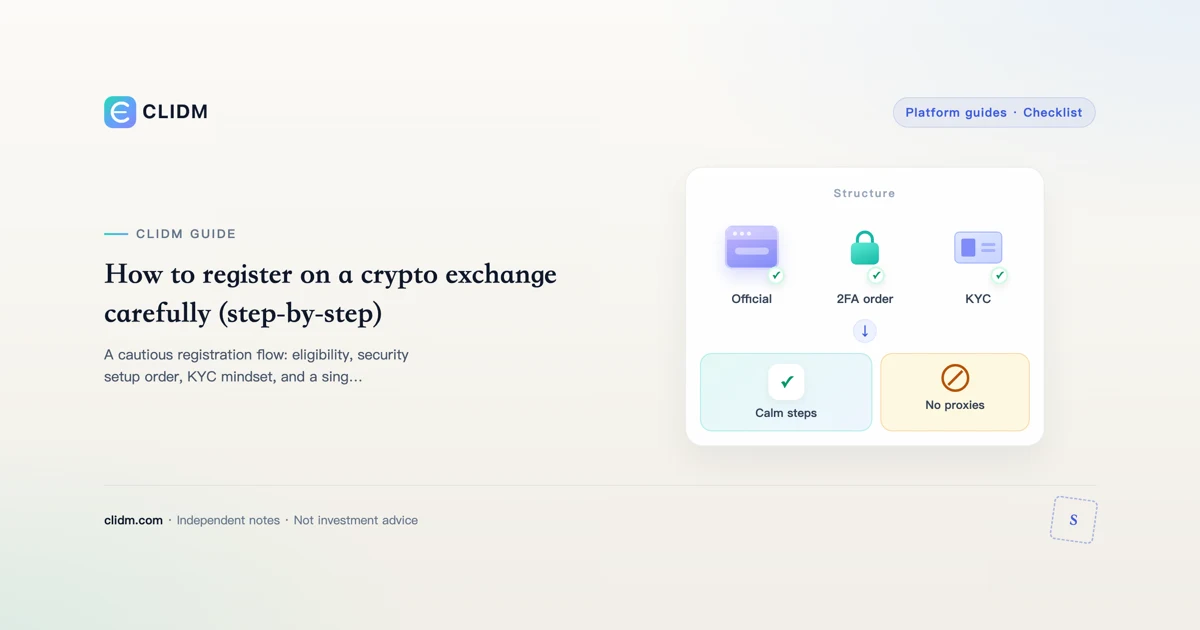
How to register on a crypto exchange carefully (example walkthrough)
Live registration entry (screenshot)
Captured from the public OKX account entry at okx.com/account/register (2026-07-27). The first screen asks you to select location — which matches our “check eligibility before anything else” rule. UI and available regions change; verify for your own situation.

Source: okx.com/account/register · educational citation · do not enter credentials on third-party blogs.
Teaching screenshot: careful “create login” structure
This is a CLIDM educational mock, not an official exchange page. Learn the attention order, then complete the real flow only on a domain you typed or bookmarked.

Figure: Educational mock. Never type real credentials into third-party blogs.
Visual order

This guide is about process quality, not urgency. If a page somewhere else only says “sign up now,” close it.
Before you create an account
- Confirm the platform serves your country/region (official terms—not a random blog)
- Secure your email with a unique password + 2FA
- Install an authenticator app
- Decide a small first deposit limit
- Read our Risk notice and security checklist
Suggested order of operations
Step A — Create the login
Use the official website or official app store listing. Avoid search ads when you are tired.
Step B — Enable 2FA immediately
Turn on authenticator 2FA before you deposit. Save backup codes offline.
Step C — Identity verification (KYC)
Have government ID ready if required. Use good lighting; mismatches delay reviews. KYC exists for compliance—not as a “bonus quest.”
Step D — Security extras
Enable withdrawal whitelist and anti-phishing code when offered. Review devices/sessions.
Step E — Deposit small, test withdrawal path later
Fund only after security basics. Later, test a small withdrawal to an address you control so you know the exit works.
Optional partner registration link (disclosed)
CLIDM is independent and may earn a commission if you register through a partner link. We keep such links rare so guides stay readable.
If you have already completed the checklist above and want to use OKX where it is available to you, you may open their registration via this referral URL:
https://www.okx.com/join/OK6669
Notes:
- This is not an official OKX page; CLIDM is not OKX support
- Product availability and promotions change; verify on OKX
- Full relationship details: Affiliate disclosure
- If you prefer no partner tracking, go directly to the official site and type the domain yourself
After registration
- Do not enable high leverage on day one
- Bookmark official URLs
- Ignore strangers offering “account unfreezing” help
Educational only. Not investment advice. Not available in all regions.
Why registration order matters more than speed
Attackers and honest platforms both want you to finish flows quickly for different reasons. Your goal is correctness: eligibility first, credentials second, protective settings third, money last. Reversing that order is how people deposit into accounts that still rely on SMS codes and weak email security.
KYC without oversharing in public
Identity verification may require documents. Complete it inside the official app or site. Do not send ID photos to freelancers, group admins, or “account managers” who message you first. If a review is delayed, use official ticket paths rather than paying third parties who claim they can accelerate approval.
Testing the exit before you scale the entrance
A platform is not fully evaluated until you understand withdrawals. After security setup, consider a small deposit and, when appropriate, a small withdrawal to an address you control. Friction, fees, and network choices become real only when you try the path—not when you read a banner.
Keeping commercial links in their place
Optional partner registration links exist so publishers can be paid when readers choose them. They should never be the only way to find a platform, and they should never skip the checklist above. If you dislike tracking, type the official domain yourself. Either way, the security order does not change.
Summary
Register carefully: confirm eligibility, harden email, enable authenticator 2FA, complete KYC through official surfaces, turn on withdrawal protections, then fund small. Treat any partner link as optional and secondary to process quality.
Practical appendix: decision log template
Before you act, write four lines offline: (1) what I am trying to learn this week, (2) maximum cash I will deposit for learning, (3) actions I will never take under social pressure, (4) the official domain I bookmarked with my own hands. This simple log reduces impulsive clicks more than any hot take on social media.
How CLIDM measures “done enough”
A guide is done enough when a careful reader can finish a task without opening ten tabs, when risks are named without theater, and when commercial links—if any—are rare and labeled. We would rather publish fewer stronger pages than a swarm of thin variants. When product interfaces change, we update the checklist language rather than pretending screenshots stay eternal.
Related reading path
After this page, read the security checklist, then the fee layers guide, then the careful registration flow only if you still need an account. Skip leverage content until spot operations feel boring. That sequence is intentional for beginners who want to survive long enough to learn.
Registration starts with location (public screen)

Public registration UI for orientation. Availability and legal eligibility differ by region—read official terms, not screenshots alone.
Calm registration
Bookmark only, region eligibility, official KYC UI, security before size, tiny deposit then tiny withdrawal.
Log template
Date; domain; action; checklist done; size reason; fee; emotion; lesson; next allowed date.
Educational content only. Not investment, legal, or tax advice. Digital assets can lose value. Re-check official pages via bookmark. Last reviewed: 2026-07-27. Learning path.