
Security
Lost your 2FA phone? A recovery plan that starts before you lose it
Recovery is something you set up in advance. Afterwards, your options narrow fast.
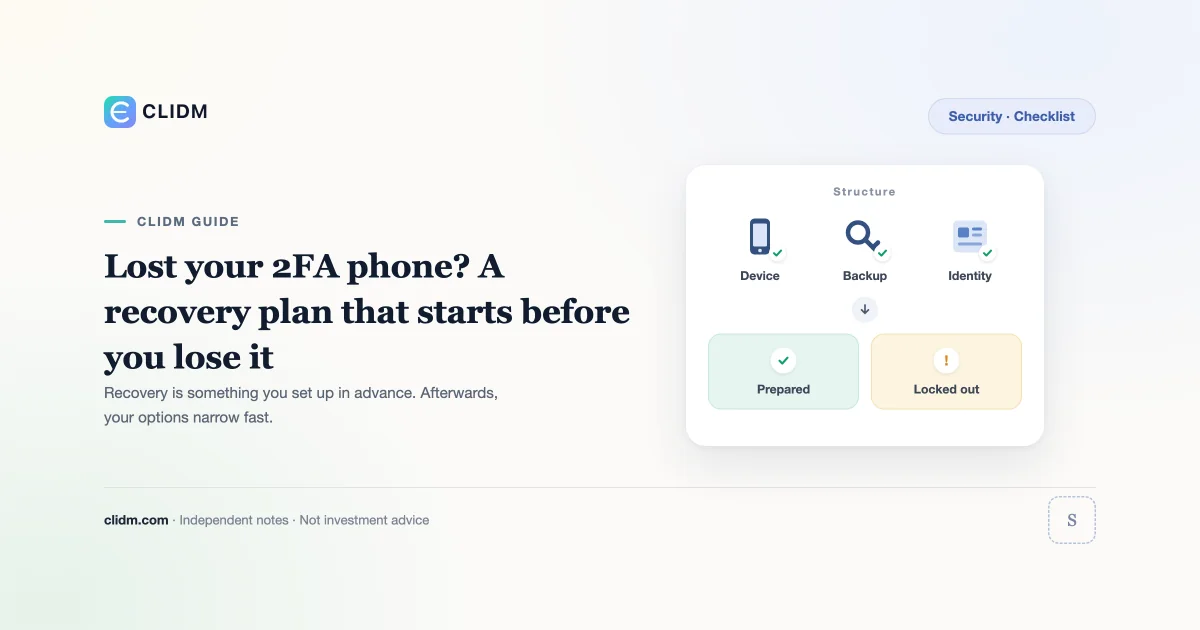
Lost your 2FA phone? A recovery plan that starts before you lose it
Losing the device that generates your two-factor codes is not rare. It is a predictable event with a predictable outcome: either you prepared for it, or you spend weeks negotiating with support while your account sits frozen.
Why this is a preparation problem, not a recovery problem
Authenticator apps generate codes from a secret stored on the device. If the device is lost, wiped, or replaced without migrating that secret, the codes are gone. Nothing on the platform side can regenerate them for you—that is the entire point of the design.
So the useful work happens before the loss. After the loss, your options are narrow and slow by design.
What to set up today
Save the backup codes. When you enable 2FA, most platforms show a one-time list of recovery codes. Save them somewhere you can reach without the phone. Treat them as equivalent to the second factor itself—because they are.
Record the setup secret or QR at enrolment. Some people keep an encrypted copy of the enrolment secret so a new device can be provisioned directly. If you do this, it must live in encrypted storage, never in plain notes, chat, email, or cloud screenshots.
Enrol a second factor where supported. A hardware security key, or a second authenticator on a separate device, removes the single point of failure entirely.
Know which factors are attached. Many accounts have several: authenticator app, SMS, email code, anti-phishing code, withdrawal password. Write down which are active on which account, so you know what you still control when one is gone.
Confirm the email and phone on file are ones you still control. A recovery route that points at an address you abandoned is not a recovery route.
The broader account setup is covered in the crypto account security checklist and 2FA backup codes.
If the device is already gone
- Stop and inventory. List what you still have: backup codes, email access, phone number, the original ID used at verification.
- Try the backup codes first. If they work, log in and immediately re-enrol 2FA on a new device, then generate a fresh set of codes.
- Use the official recovery flow only. Reach it by typing the domain yourself or via your own bookmark—never through a search ad, a message, or a link someone sent you.
- Expect identity verification. Document checks, a liveness step, and a cooling-off period on withdrawals are normal. They protect you from someone doing this to your account.
- Submit once and wait. Duplicate tickets across multiple channels usually slow the queue rather than speed it.
- Expect a withdrawal hold. Many venues freeze withdrawals for a fixed window after a 2FA reset. This is a security feature, not a penalty.
The scam that targets this exact moment
People searching for account recovery are actively hunting for help, which makes them ideal targets. Assume that anyone who contacts you offering to speed up recovery is an attacker. Support does not reach out first, does not work through social media DMs, and never needs your password, your codes, or remote access to your device.
If someone asks you to install screen-sharing software to "assist with verification," the recovery attempt has become an attack. See social media crypto scams and crypto phishing email red flags.
Failure modes
- Enabling 2FA and skipping the backup code screen
- Storing backup codes as a screenshot in a photo library that syncs to the cloud
- Keeping the only copy on the same phone that generates the codes
- Migrating to a new phone before re-enrolling the authenticator
- Letting the recovery email lapse
- Answering an unsolicited "support" message during recovery
A five-minute audit
Open each exchange account you hold and confirm: 2FA is on, backup codes exist somewhere off-device, the recovery email is current, and you know where the codes are. If any answer is unclear, fix it now rather than during an outage.
How this page connects to the rest of CLIDM
Use the security hub for the full control set and the learning path for sequence. Related: password managers for crypto accounts, device hygiene for crypto logins, and how to verify you are on the official site.
CLIDM quality standard
We optimise for checklists, failure modes, and operating order—not trade signals or return guarantees. Interfaces and recovery policies change; reopen the official page before acting. Last reviewed: 2026-08-25.
Educational only. Not investment, legal, or tax advice. Digital assets can lose value. Availability varies by region.