
Security
How to set up a crypto withdrawal whitelist (and why it matters)
Withdrawal allowlists reduce damage if someone steals a password. Here is the careful setup order.
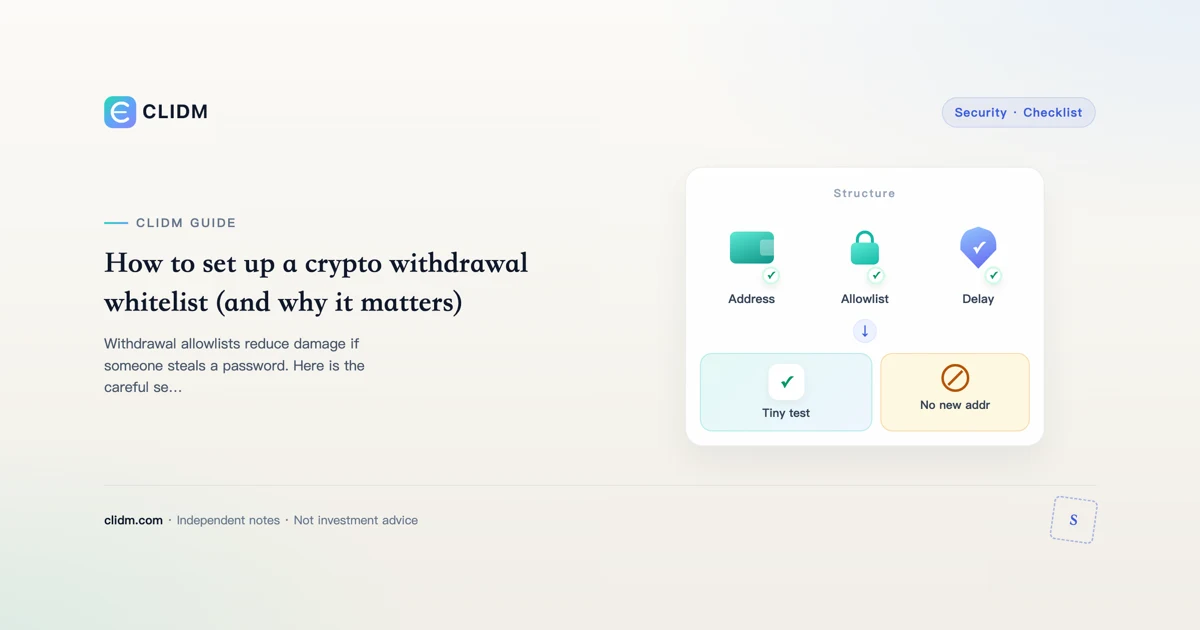
Withdrawal whitelist setup: slow down theft and fat-finger disasters
A withdrawal allowlist / whitelist (names vary) restricts withdrawals to addresses you pre-approve—often with a waiting period when you add or change addresses. That friction is the feature. It turns a stolen session or a panicked moment into a race the attacker is more likely to lose.
Educational only. Menus move; follow the live security screens after a bookmarked login.
What whitelist controls do
Typical properties (venue-dependent):
- Withdrawals only to listed addresses
- Time delays when enabling, disabling, or editing the list
- Optional per-asset or per-network constraints
- Combination with 2FA, anti-phishing codes, and device checks
They do not fix phishing if you approve a malicious address yourself. They do not replace domain hygiene.
Why beginners skip it (and regret it)
Whitelists feel annoying until the day a phishing site or malware tries an instant drain. The annoyance is cheap insurance. Pair with password manager hygiene, 2FA backups, and device hygiene.
Careful setup order
- Log in via bookmark on a device you trust.
- Complete authenticator 2FA and ensure backup codes exist offline.
- Open security settings from the official UI—not a chat link.
- Enable withdrawal allowlist / address management per official labels.
- Add one address you control; verify network and memo/tag needs.
- Respect any cooling-off period before testing.
- Send a tiny test withdrawal.
- Only then use the route for larger amounts.
- Document the address purpose and date in a private note.
Address hygiene while adding
- Copy from the destination wallet UI, not from chat history
- Check prefix and suffix slowly
- Confirm network names on both sides
- Confirm memo/tag requirements (memo guide)
- Never add an address a stranger “needs you to whitelist urgently”
What whitelist does not stop
- You approving the attacker’s address while social-engineered
- On-exchange account takeovers that change email/2FA if you ignore alerts
- Losses from bad trades
- Malware that rewrites addresses before you whitelist the wrong one
Layer defenses: anti-phishing codes, phishing email red flags, API keys without withdrawal rights.
Changing or removing addresses
Expect delays. Attackers hate delays; so will you on a Friday night—that is acceptable. Plan address changes when you are calm and can wait.
Household and shared access
If more than one person can operate the account, write a rule: no whitelist edits without a second confirmation out-of-band (phone call with a known voice, not a chat app stranger).
Incident notes
If you suspect compromise: freeze risk first—revoke sessions, rotate credentials, review whitelist entries, contact official support via bookmark. Orientation for official help surfaces:

Related reading
Tabletop drill (15 minutes)
Imagine malware on your daily laptop. Walk through: how long until a new address can withdraw if whitelist delays exist? Which offline code locations still work? Who in the household knows the plan? If answers are blank, the drill succeeded in finding gaps.
Naming convention for addresses
Label addresses by purpose and year (cold-2026, broker-X-usdt-erc20). Bad labels cause self-inflicted wrong-network tragedies even with whitelist enabled.
Bottom line
Whitelist friction is a feature. Add addresses slowly, test tiny, and refuse urgency from anyone who needs you to “open the pipes now.”
Staged rollout plan (recommended)
Week 1: enable allowlist, add a single low-value test address, complete cooling-off, tiny test.
Week 2: add your primary self-custody or secondary venue address after another test.
Ongoing: refuse ad-hoc additions under time pressure; schedule address changes like password rotations.
What to write in your private runbook
- How to reach security settings via bookmark only
- Where offline backup codes live
- Who can authorize an emergency allowlist change
- Maximum wait time you will accept before escalating to official support
If the runbook only exists in your head, it will vanish under stress.
Interaction with API keys
Allowlists protect withdrawals from the UI; API keys with withdrawal permission can bypass your mental model if enabled. Keep API withdrawals off unless you have a rare audited need. See the API security guide on CLIDM for least privilege defaults.
Change-control calendar
Treat allowlist edits like production changes: propose, wait cooling-off, tiny test, then full use. Never batch-add five untested addresses before a weekend trip. Attackers love busy travel days.
Metrics
Track: number of allowlisted addresses; days since last edit; last successful test TXID; whether backup codes still reachable. Rising address count without tests is a smell.
Allowlist review cadence
Every 90 days: remove unused addresses, re-test one primary route with a tiny send, confirm delays still match docs, and verify backup codes. Stale allowlists create false confidence.
Closing practical standard
Re-read this guide only when calm. If you are about to act under urgency from a stranger, stop and open your bookmark first. Skill compounds from boring repetition—not from one heroic night of clicks. Last reviewed: 2026-07-27.
Educational only. Not investment advice.
Travel mode for allowlists
Before travel, freeze allowlist edits: no new addresses until you return to a trusted network and device. Many account takeovers coincide with hotel Wi-Fi and fatigue. Plan destinations you might need before you leave.
Additional operating notes
Write your own offline summary of this guide in ten bullet points before you act. If you cannot produce ten bullets without looking, you have not absorbed the process. Rehearse on a non-urgent day. Prefer bookmarked official domains, authenticator 2FA, and tiny tests before irreversible actions. When product labels change after app updates, re-open official documentation rather than relying on memory. Keep a dated note of what you verified. Refuse social urgency scripts. Measure costs in both asset units and cash terms. Stop sessions when emotion rises. Review weekly: what process failed, not only what price did. Skill is repetition of correct order of operations under calm conditions.
Final self-check before size
- Am I on a bookmarked official domain?
- Is my 2FA method offline-capable with backup codes?
- Is the amount emotionally irrelevant if fully lost to process error?
- Did I complete a tiny test on this exact route when the route is new?
- Can I explain the main failure mode of this action in one sentence?
- Am I free of chat pressure right now?
- Do I know where support is via bookmark if something stalls?
- Have I written the intent offline?
- Will I stop after this action without revenge clicks?
- If any answer is no, I wait.
These ten questions are deliberately boring. Boring is the control. Apply them every time size increases, not only the first time you read a tutorial. Revisit after major life changes (new phone, new country, new co-user of the account). Keep the answers honest; optimistic lies are how process debt becomes financial debt.
Educational content only. Not investment, legal, or tax advice. Digital assets can lose value. Re-check official pages via bookmark. Last reviewed: 2026-07-27. Learning path.